Start with a song you know
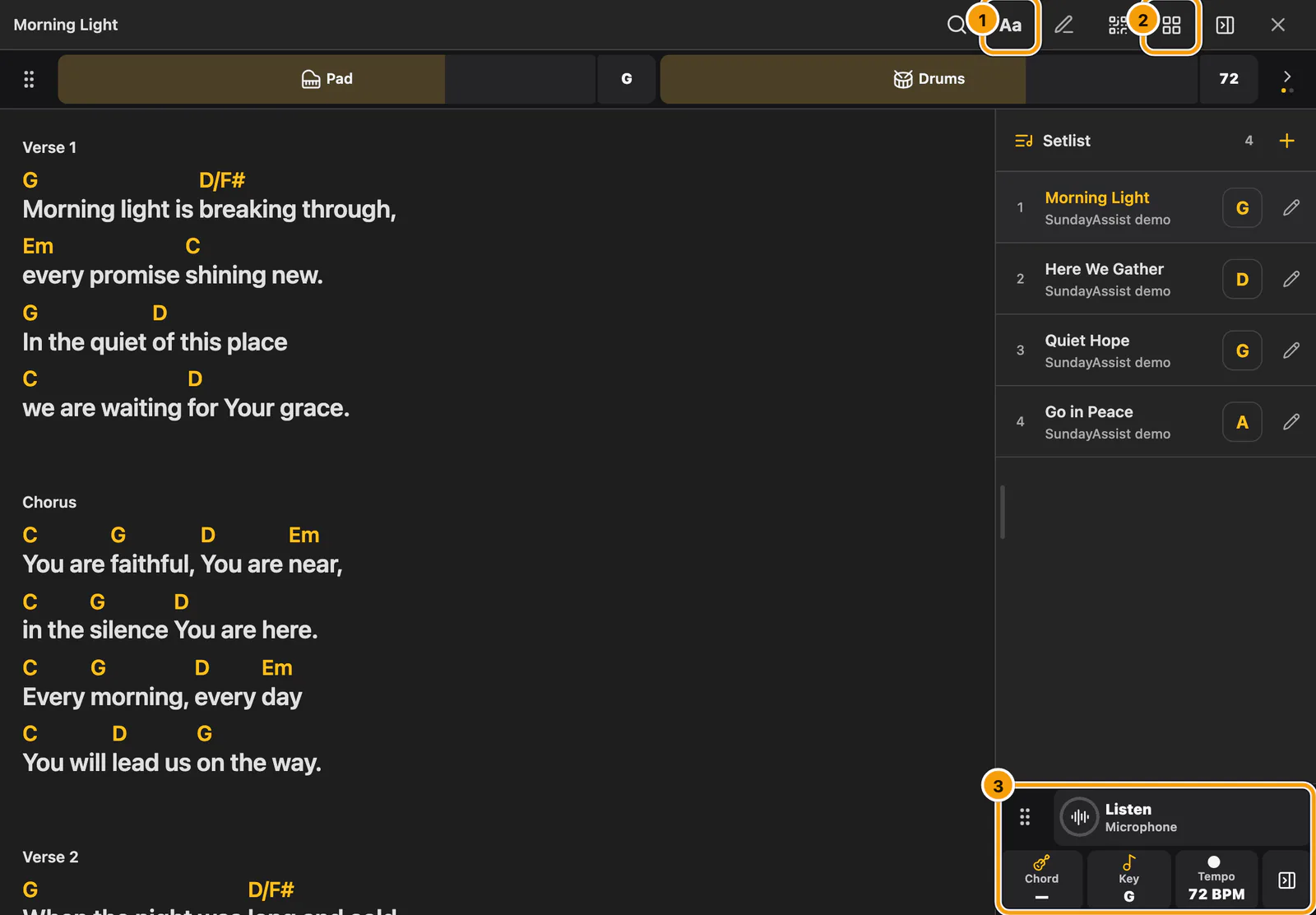
Noor chooses Use without an account on the sign-in card. In Songs she adds her own lyrics and chords or imports a ChordPro file. When she opens the song in Live, she can read the chords in G instead of A and play through the chorus a tone lower. Her own songs stay on the device she uses to practise.
Give the chorus a pulse
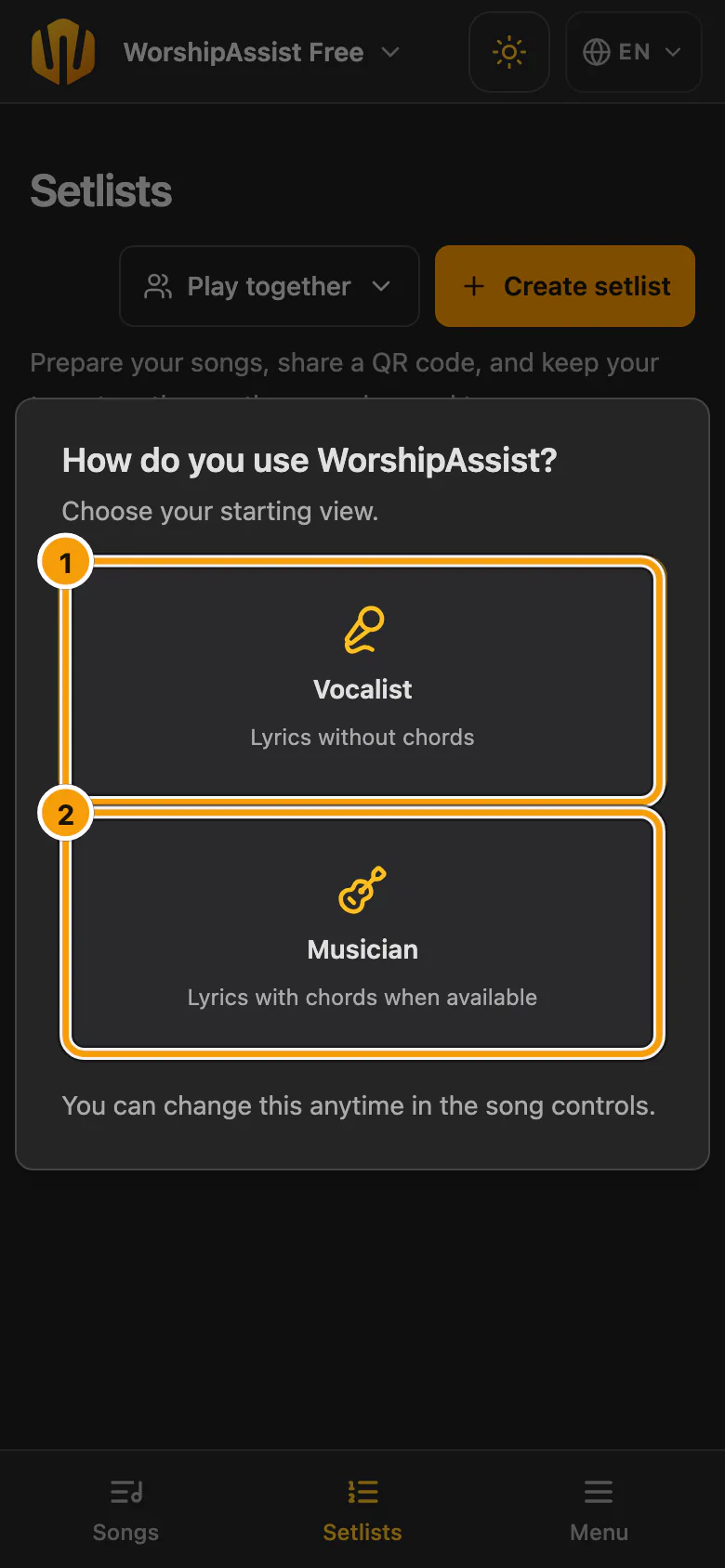
Noor sets a pad in G, a sustained sound to play against, and adds drums at a tempo she can follow. She slows the beat down until the change into the chorus feels comfortable. On versions with the four-square Widgets menu in Live, Pad & drums puts those controls beside the song.
If your version includes Your groove, tap the grid to place the drum hits yourself. Where Looper is available, record a few bars and play over the repeat. Where Reference is available, open a song’s reference links. The available widgets and playback options depend on the version and the source.
The next WorshipAssist update is planned to let you record a practice take in Free and keep it on this device. You choose when the microphone is on and which takes to save.
If a song has a YouTube link, you can open it in YouTube today. Playing an embeddable video inside the Free reader will need a compatible WorshipAssist reader, an internet connection and the updated playback service.
Meet the band on the same setlist
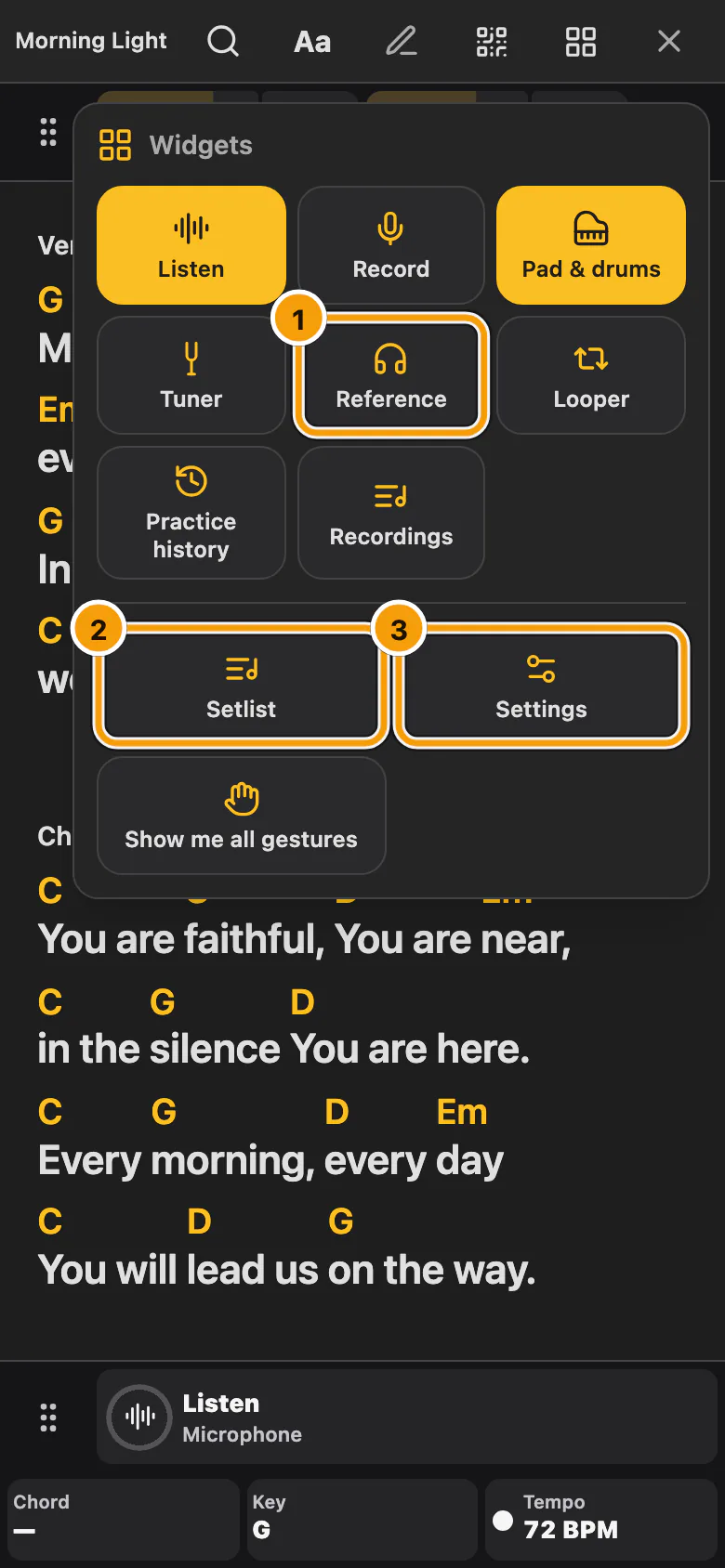
At band rehearsal, Noor can open the service setlist in the shared WorshipAssist workspace. The bandleader sets the song order and keys, and the musicians can follow as the leader moves to the next song. A singer can show just the lyrics while Noor reads the chord shapes she needs for her capo.
WorshipAssist Premium gives the band a shared library, setlists and live following. This band workspace is also included with a paid Connect subscription and with SundayAssist Ultimate.
Try it with your next song
Noor can show the service planner how a setlist prepared in Connect opens in WorshipAssist. At church, the projection volunteer uses Presenter for the congregation’s lyrics. Those three apps are made in the Netherlands as part of SundayAssist.
Open WorshipAssist Free in a browser on your phone, tablet or computer. Android users can also find WorshipAssist on Google Play. On iPhone and iPad, start in your browser. Practice tools in the installed app depend on its version.